Administrator User
Administrator users are the one who has the full access that allows them to configure the system and manage data.
Landing Page
Section titled “Landing Page”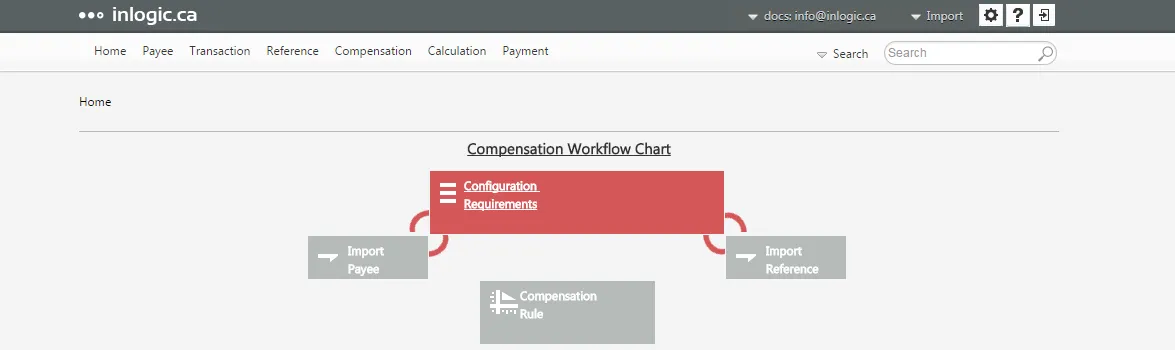
The landing page looks differently depending on user’s role. As an Administrator user, you will see the gear icon ⚙️ at the top right hand corner, and it will take you to the Setting page.
Edit Profile
Section titled “Edit Profile”
From the top menu bar, you can access to:
- User Profile
- Shortcut to Import
- Setting
- Help
- Logout
In order to manage your personal profile,
- Mouse-over the username, and Edit Profile link will fly out
- Click Edit Profile link
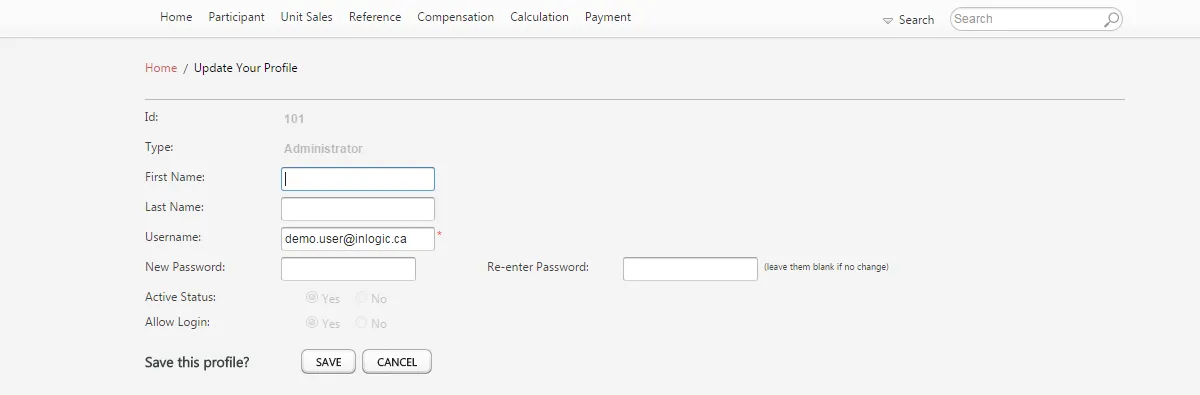
In the Update Your Profile page, you can edit your preferred name, log-in email account and password.
Transaction Privilege
Section titled “Transaction Privilege”Transaction Privilege allows regular users to input their own transaction data, and administrators can control the level of this kind of access.
Click **Setting ** from the top menu bar
Click Transaction Privilege ribbon

Select the data entry methods you want regular users to be able to
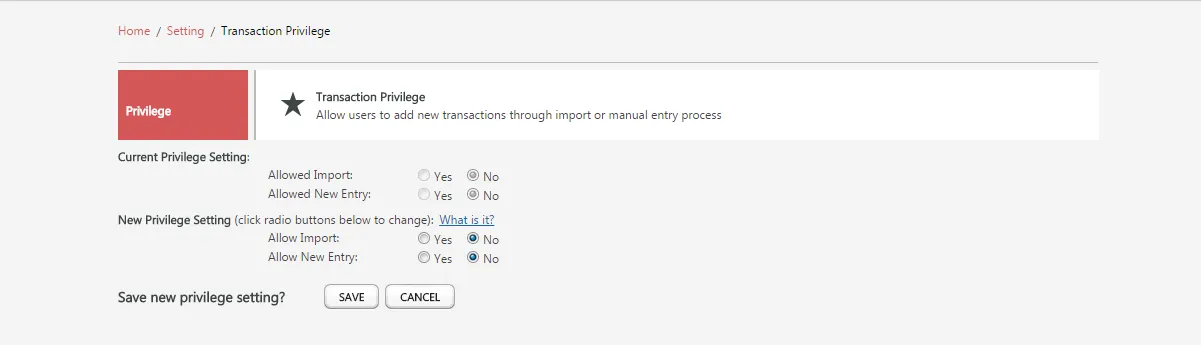
Click Save